- Announcement
- Open
- Shortlist
- Results
Latest Grant
5th edition
PhMuseum Days 2026 Photography Festival Open Call
Results
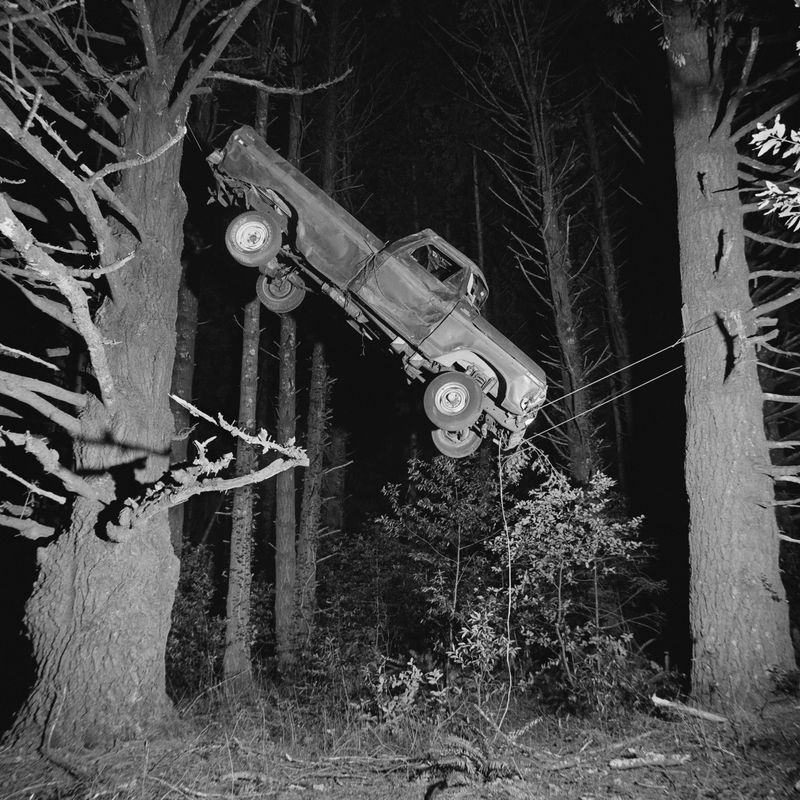
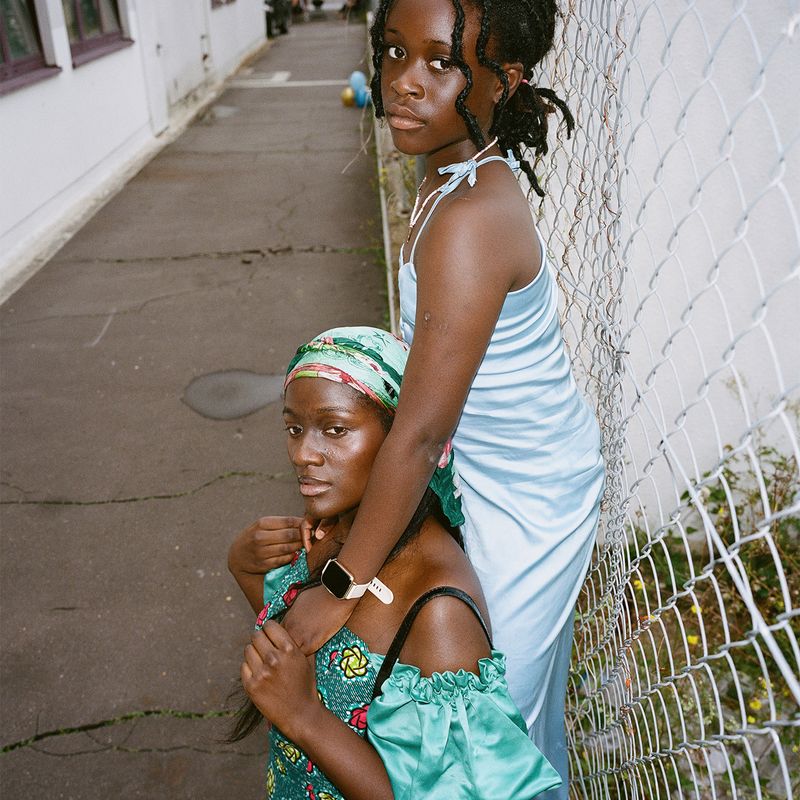
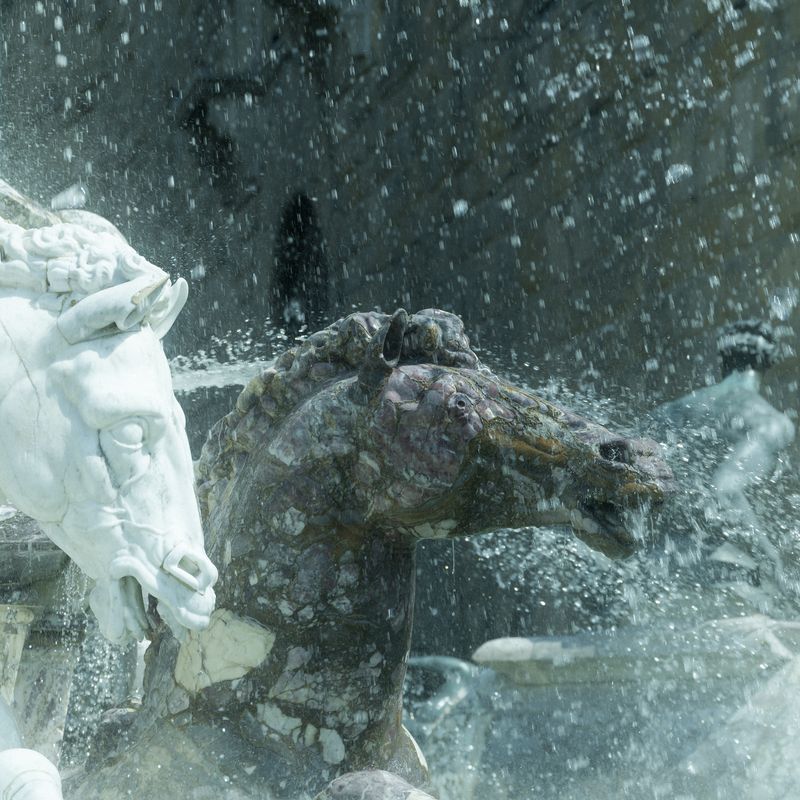
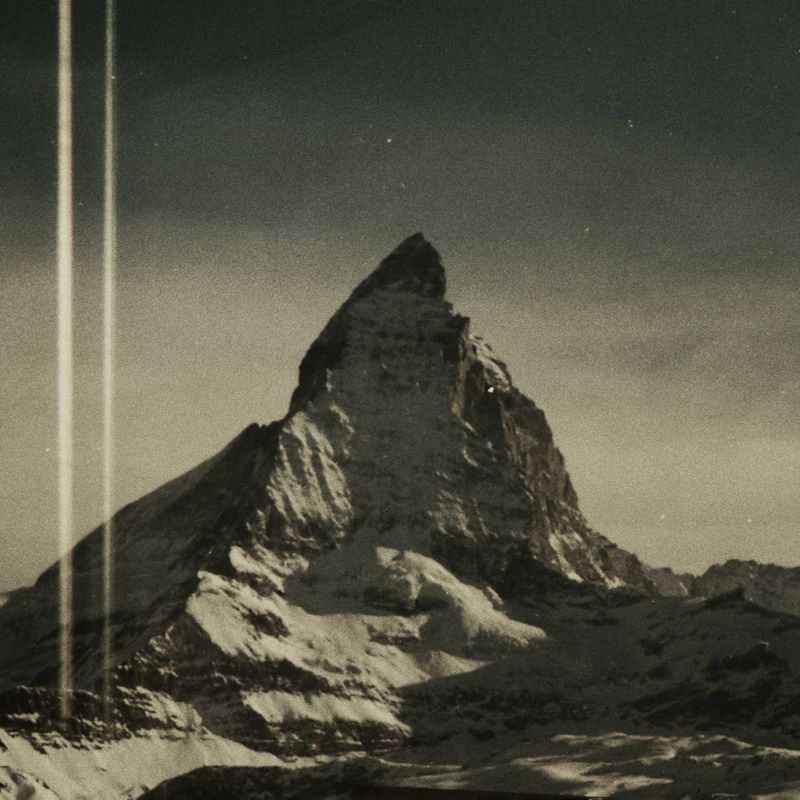
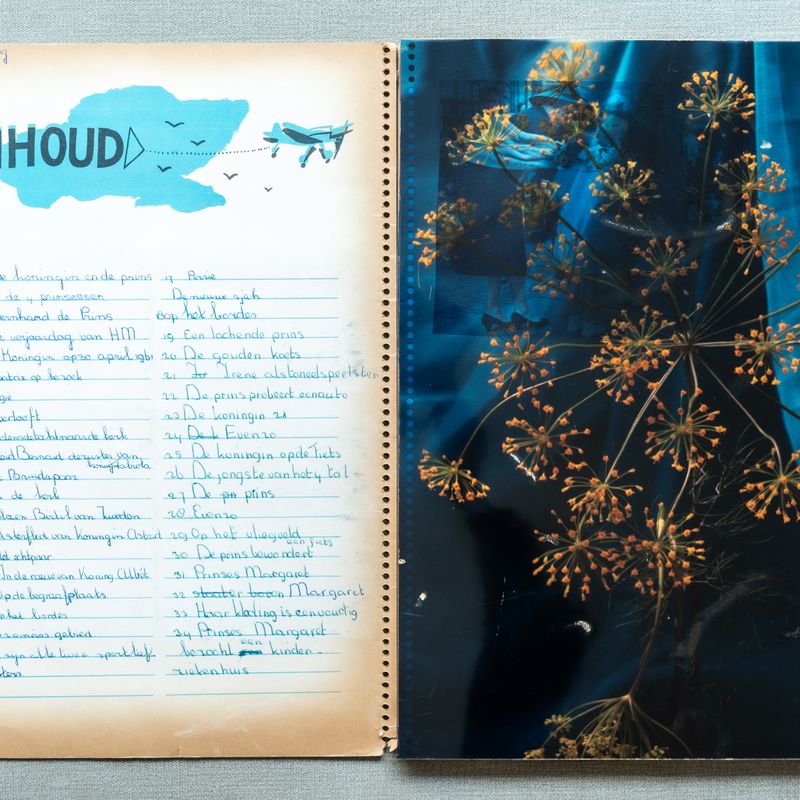
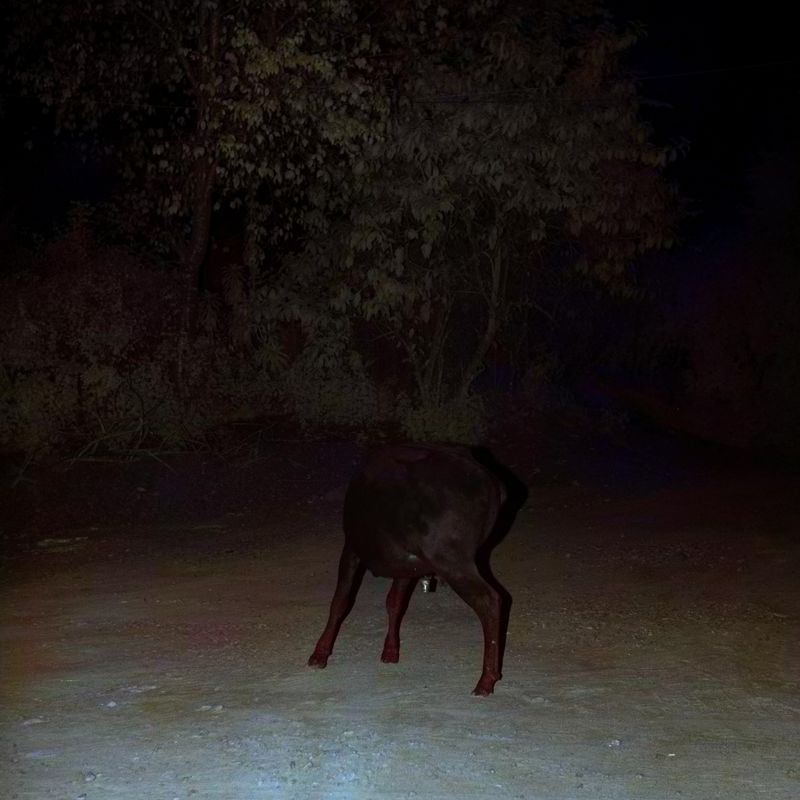
3 Solo Exhibitions in the Festival's Main Location
Prize Recipient
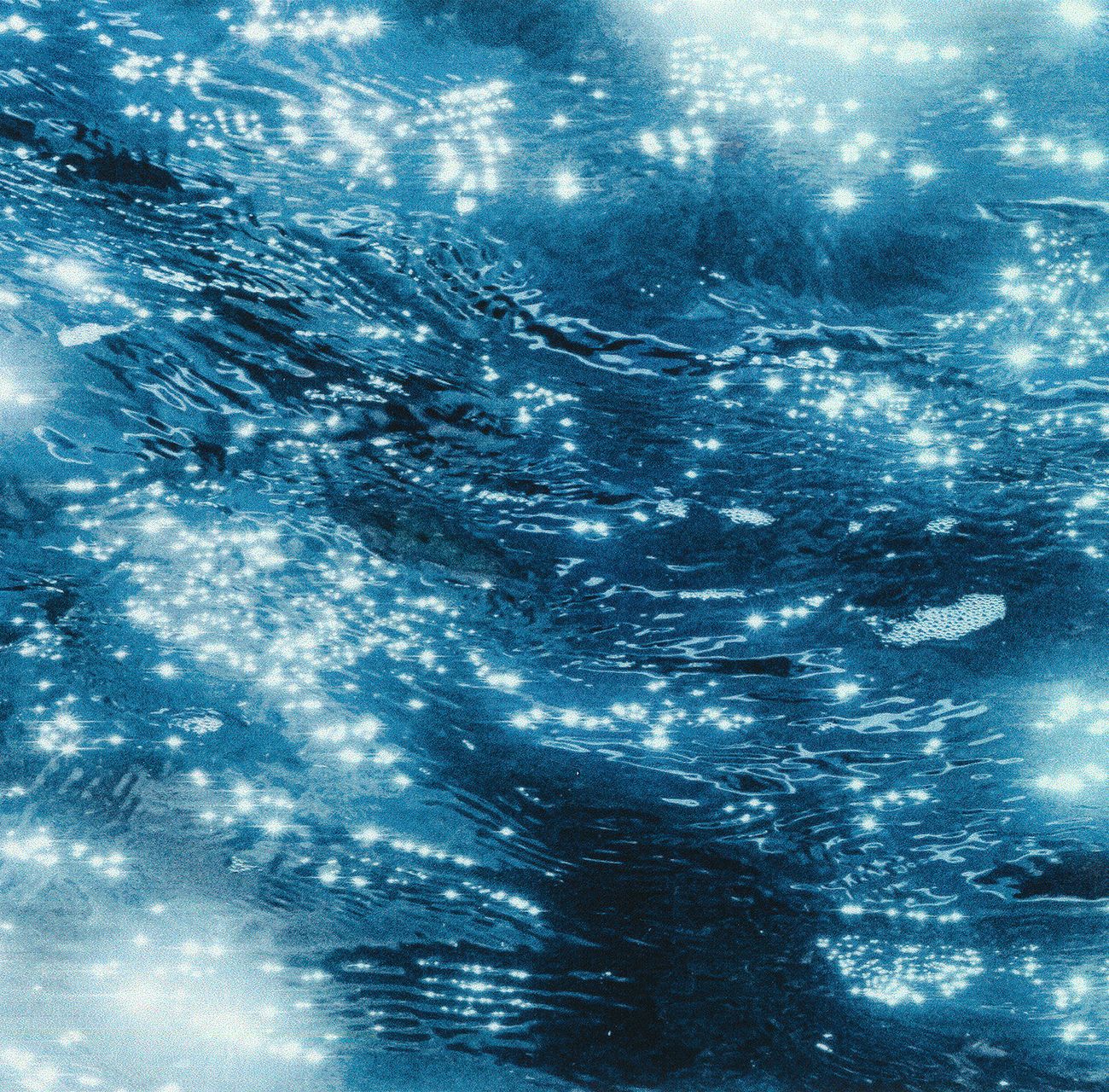
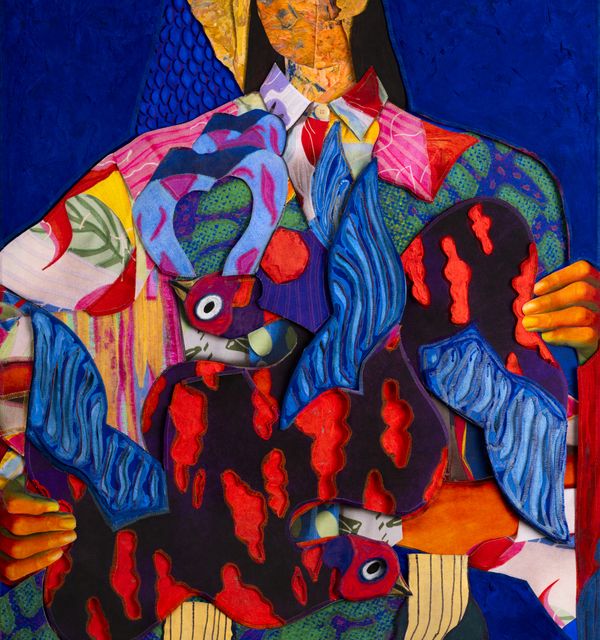
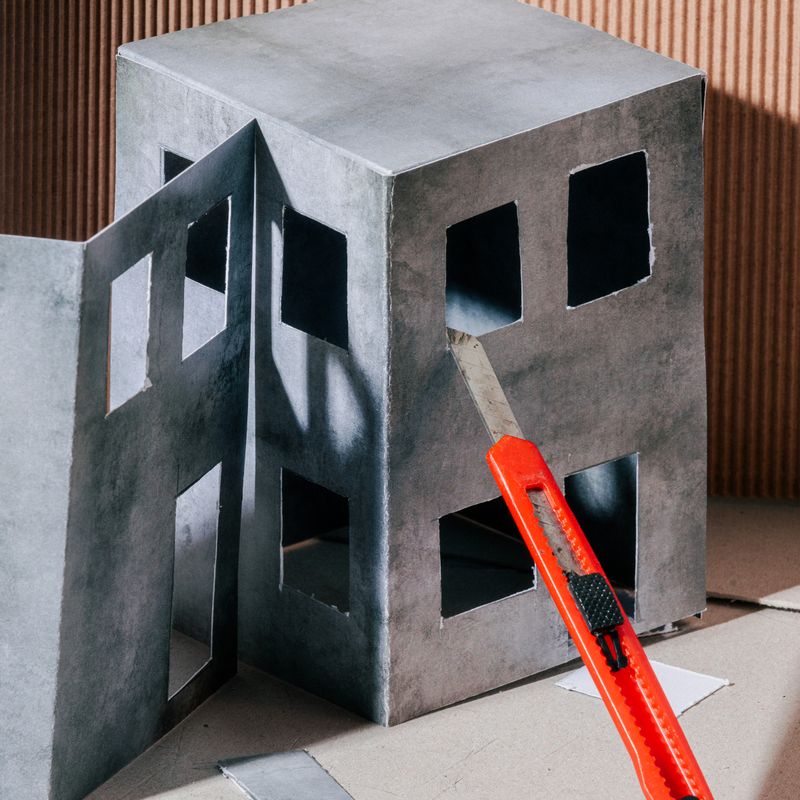
(H)
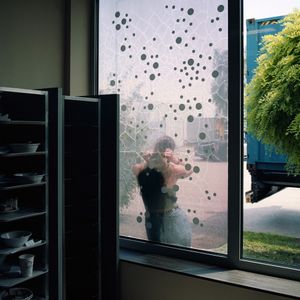
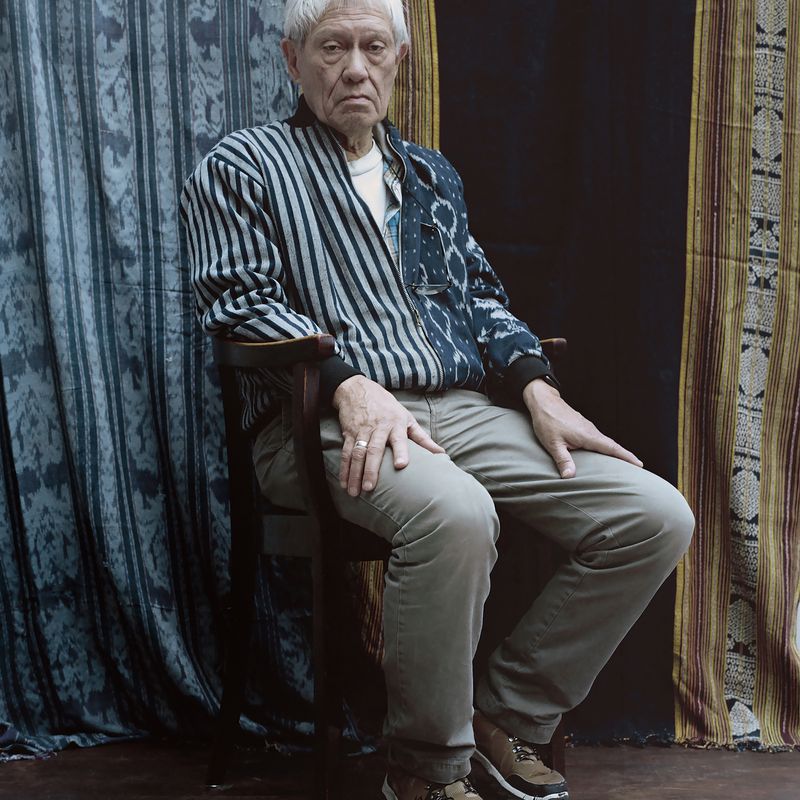
by Daniel Martínez
Selected by the main Jury, the work is granted an individual exhibition at PhMuseum Days 2026.
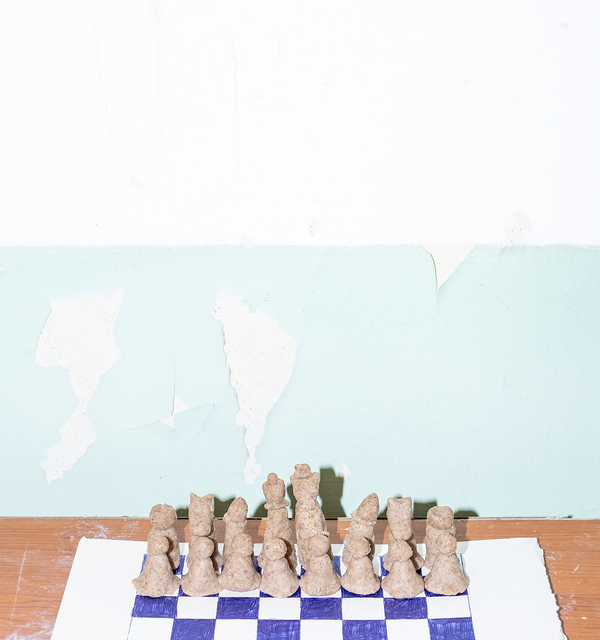
Prize Recipient
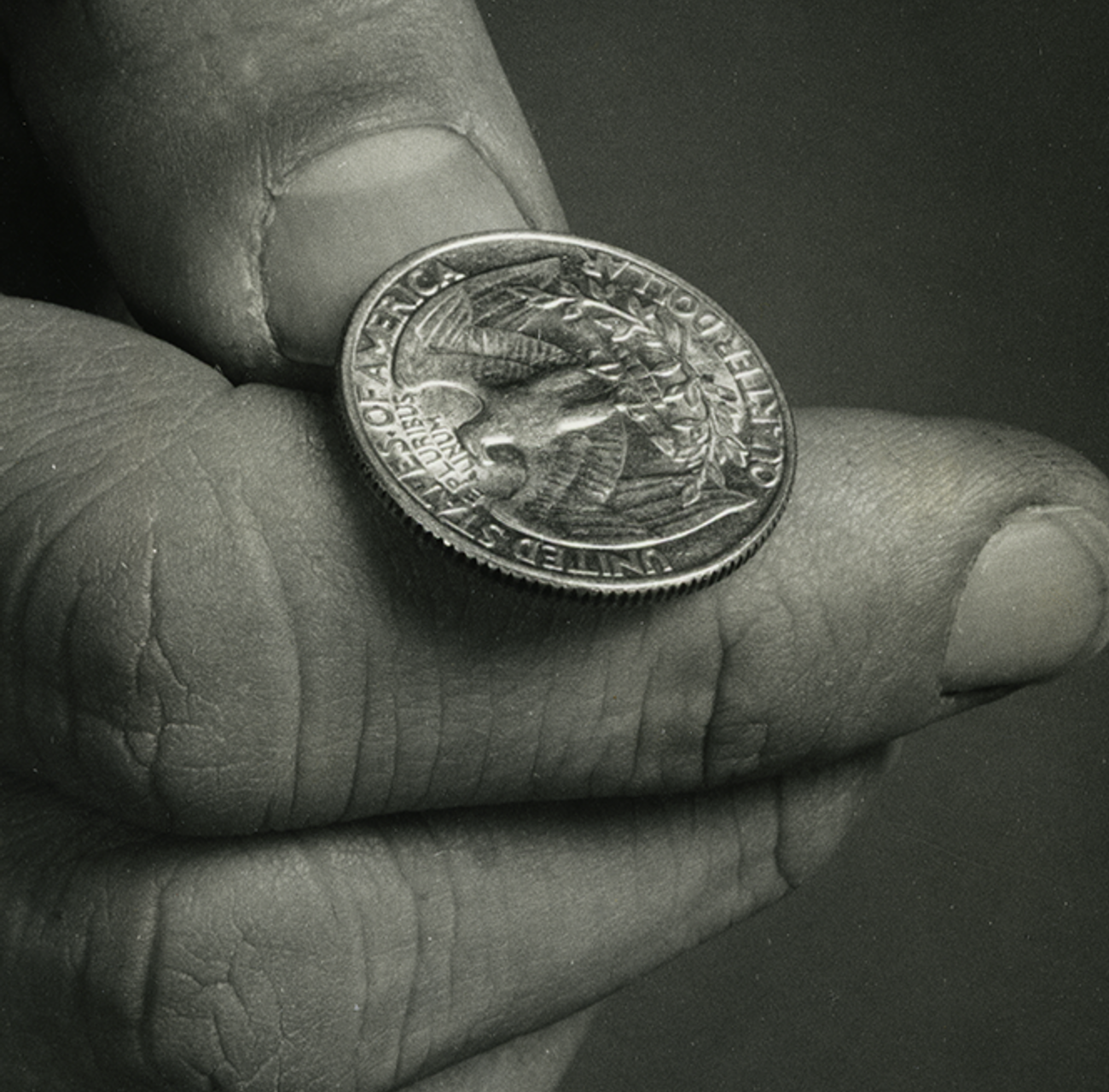
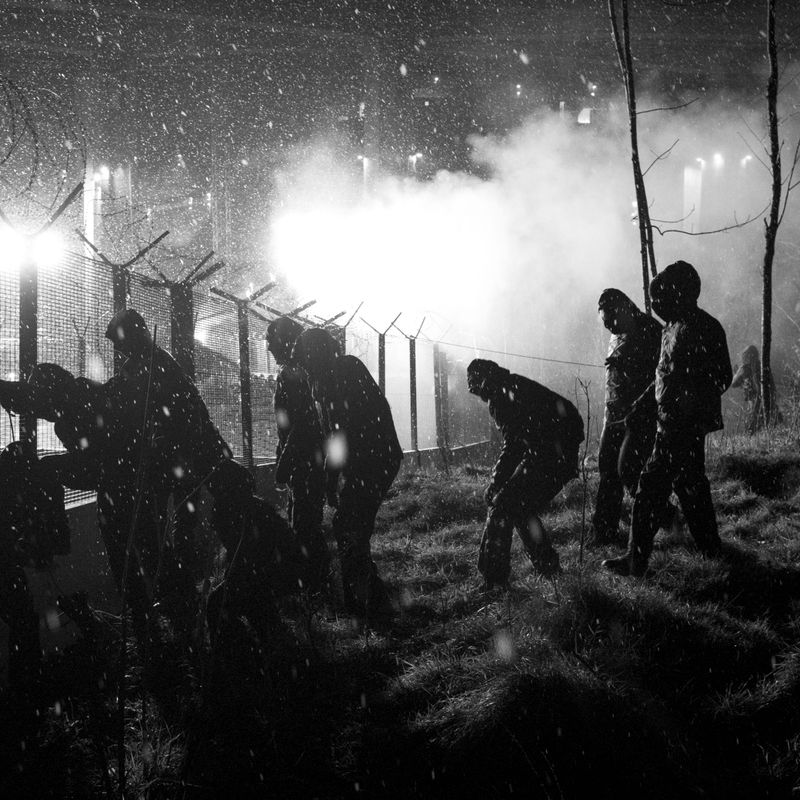
Every Exit Is An Entrance Somewhere Else
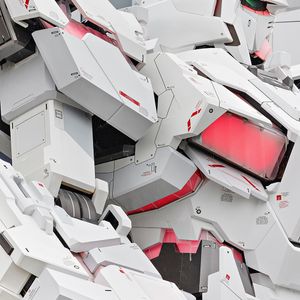
by Jonah Samson
Selected by the main Jury, the work is granted an individual exhibition at PhMuseum Days 2026.
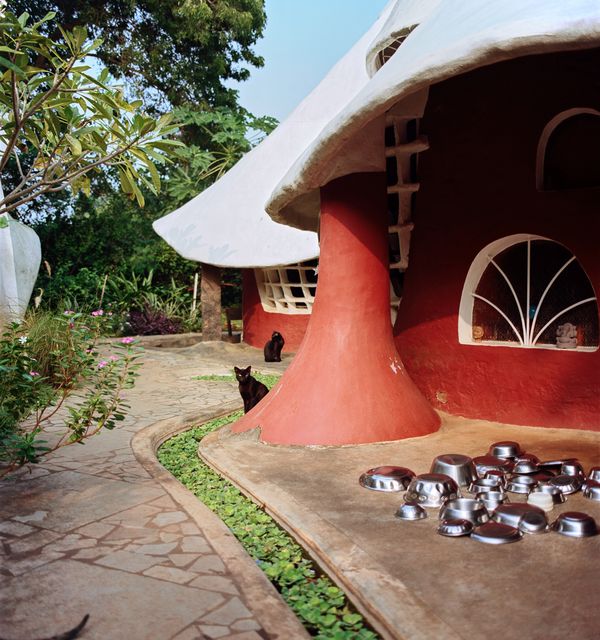
Prize Recipient
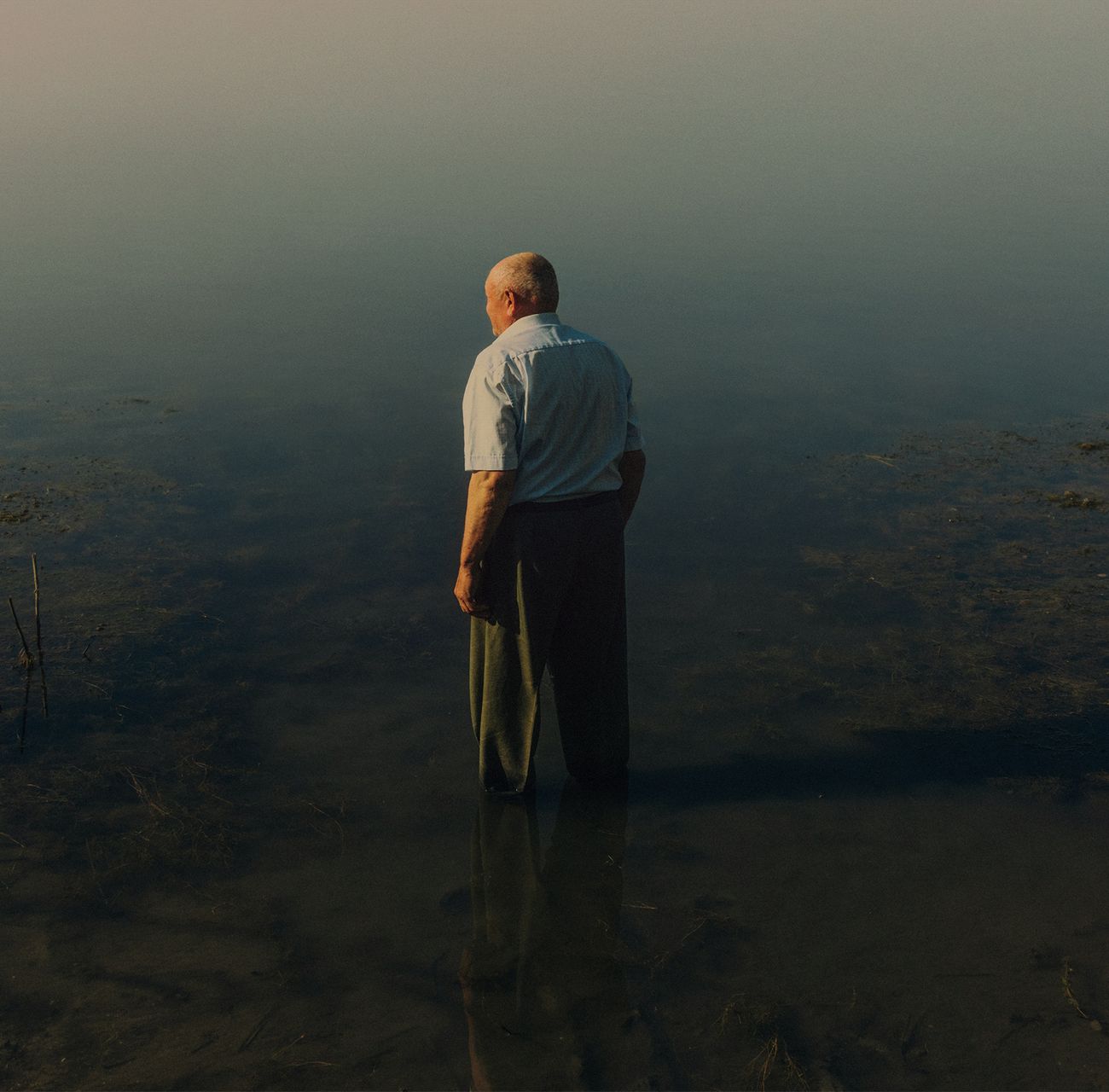
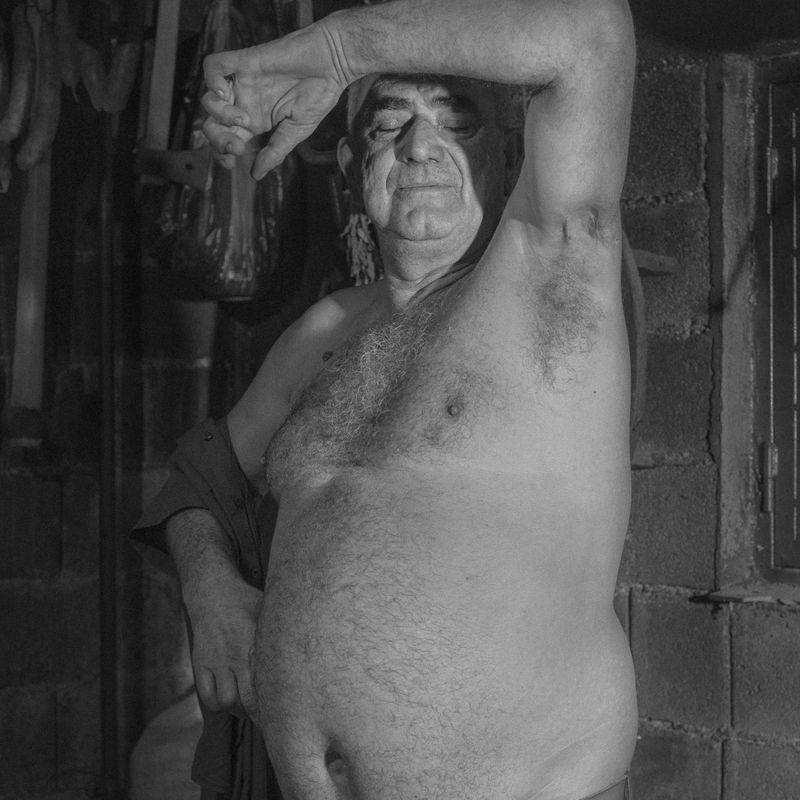
How To Carry A Home
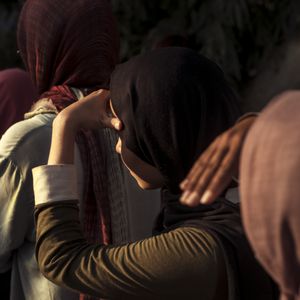
by Robin Alysha Clemens
Selected by the main Jury, the work is granted an individual exhibition at PhMuseum Days 2026.
Results
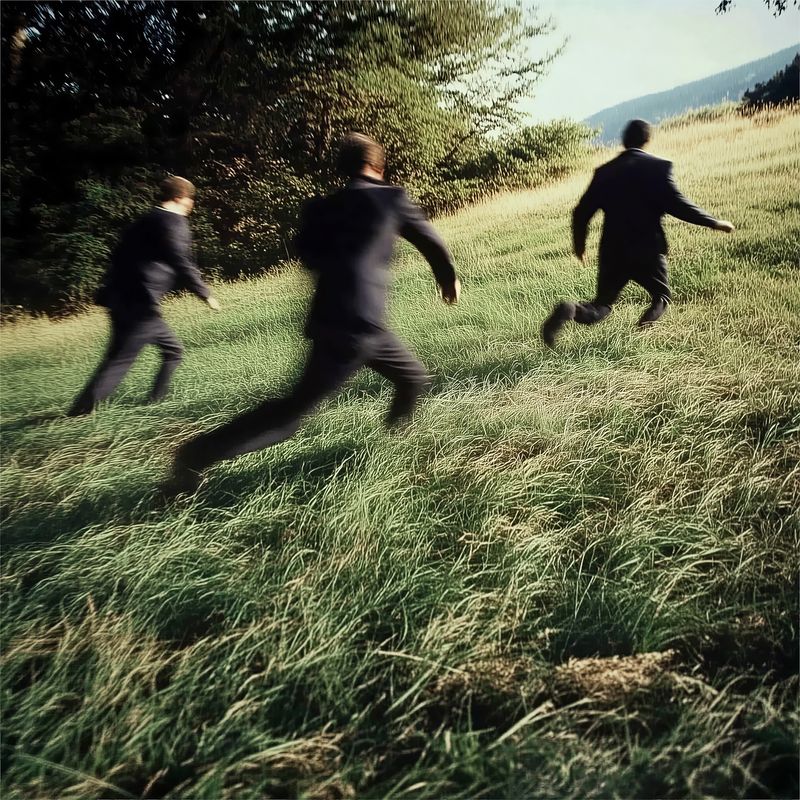
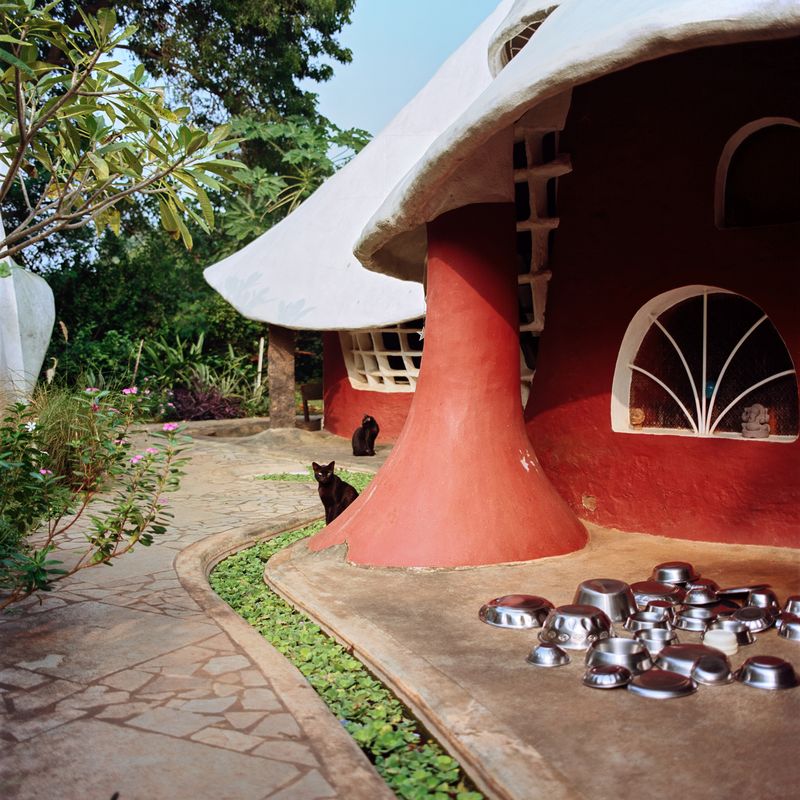
Public Installation on CHEAP's Billboards
Prize Recipient
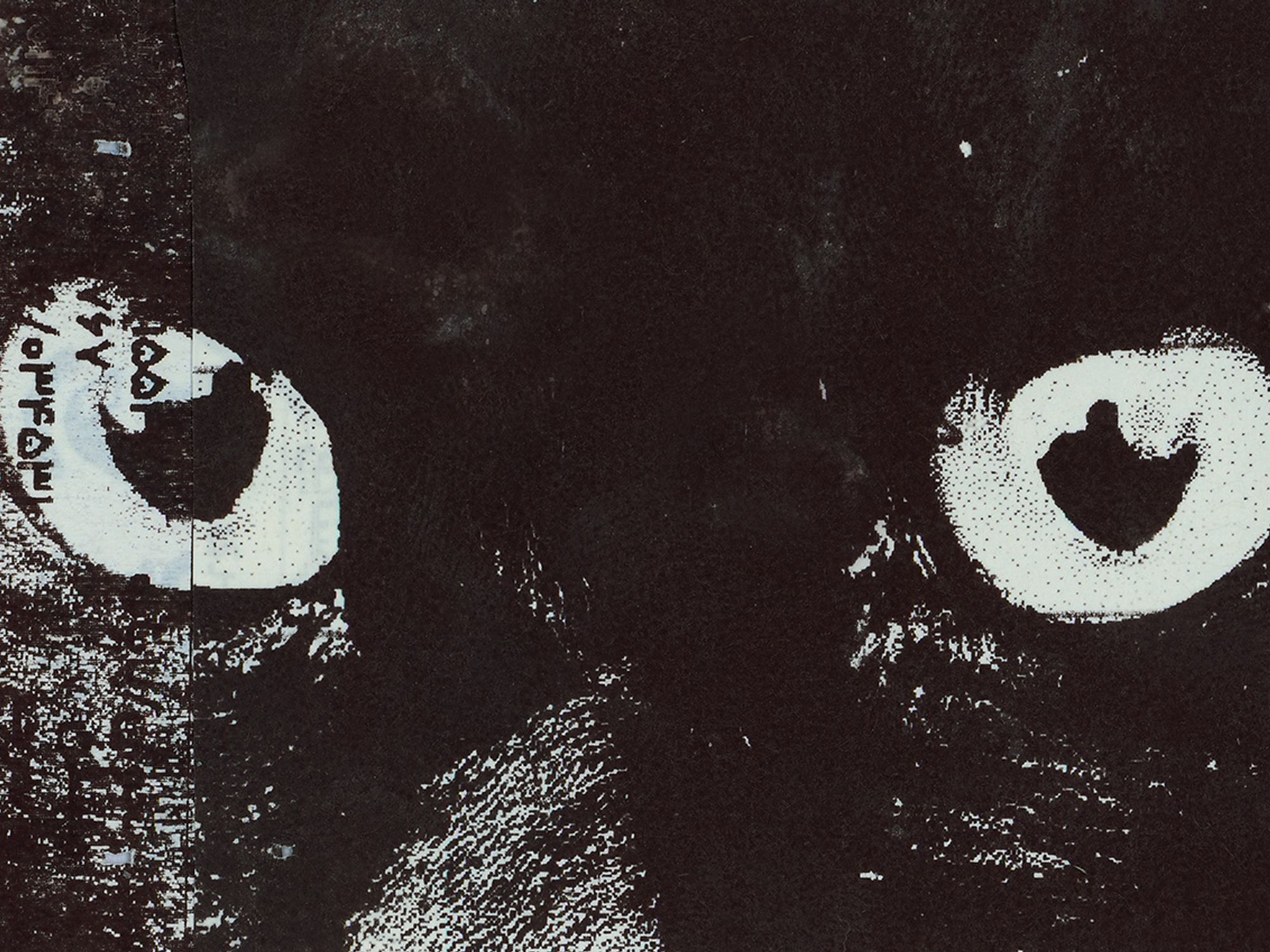
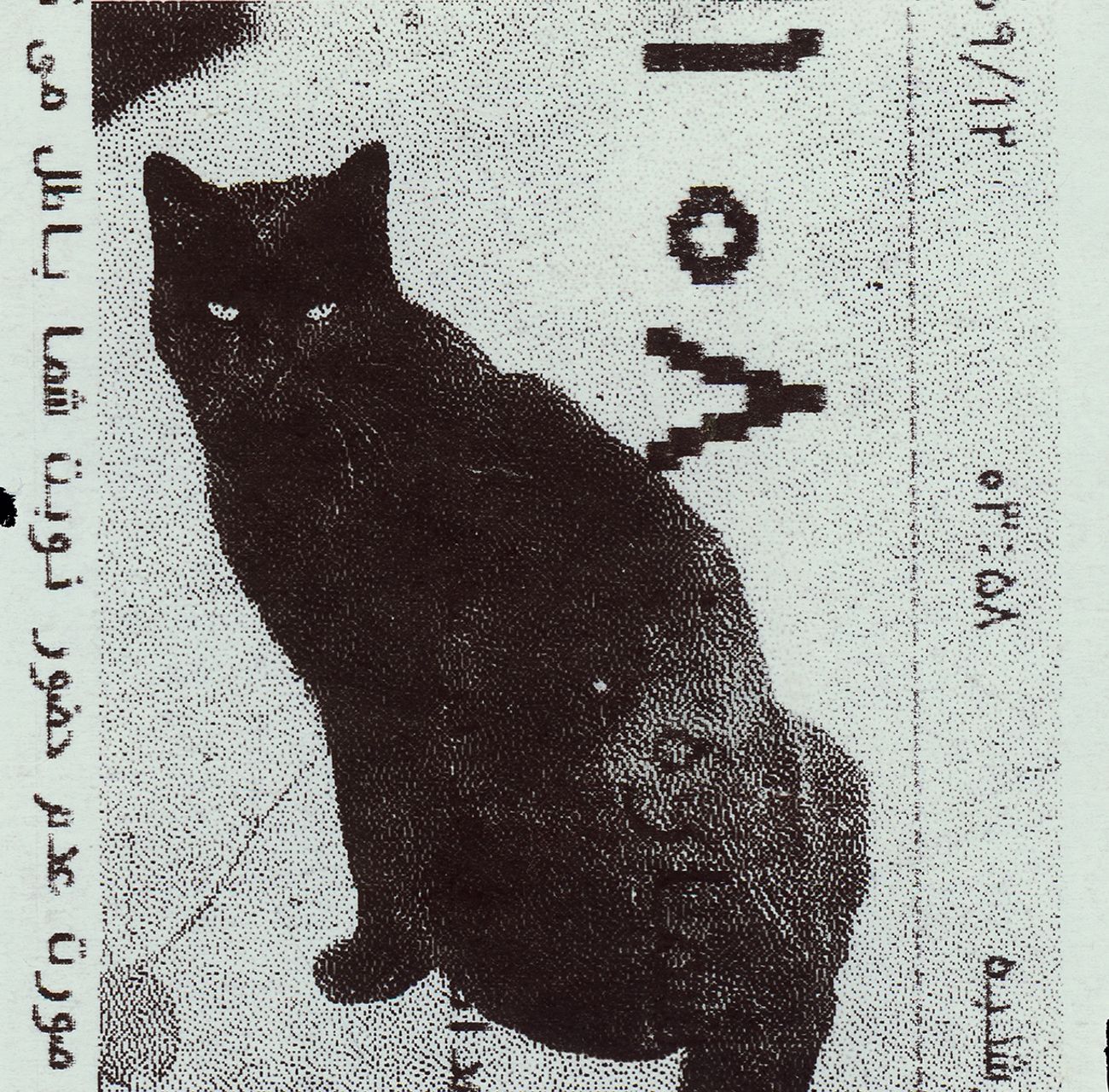
Absolute: Tehran Cats
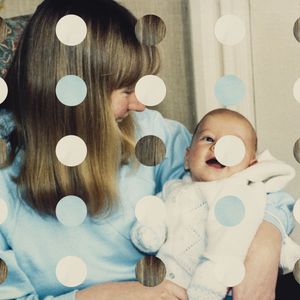
by Caro Mirzoyan
Selected by the main Jury, the work is granted a solo installation on eleven public billboards in Via dell'Abbadia, a street in the historical center of Bologna, in collaboration with CHEAP – Street Poster Art Festival.
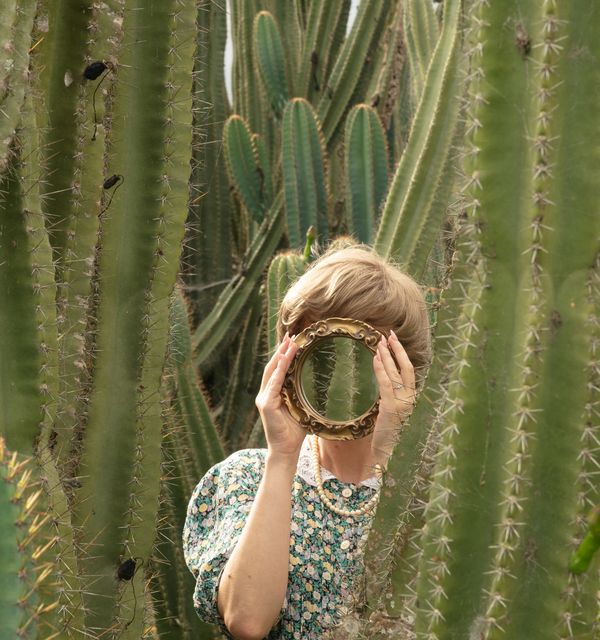
Prize Recipient
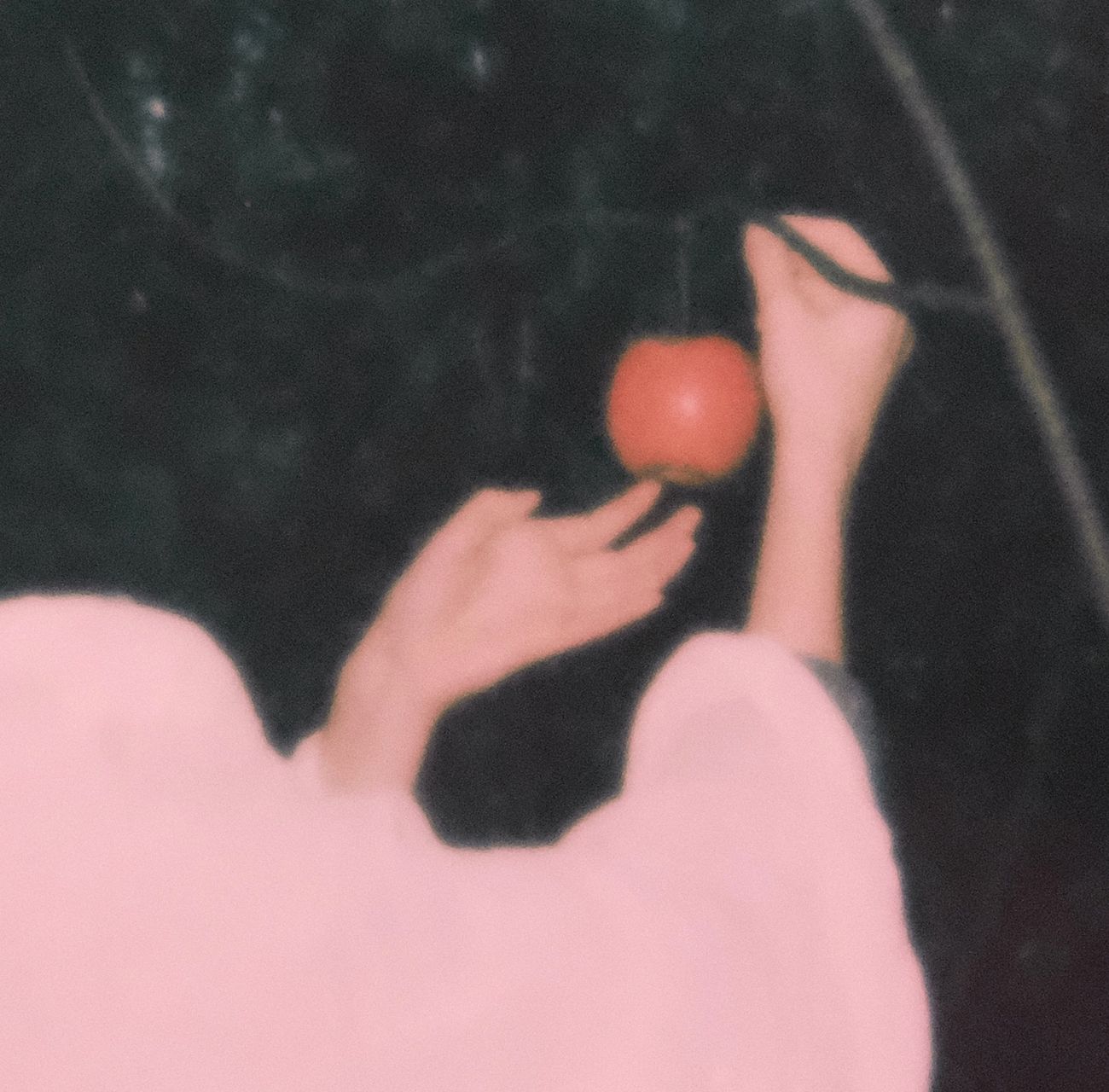
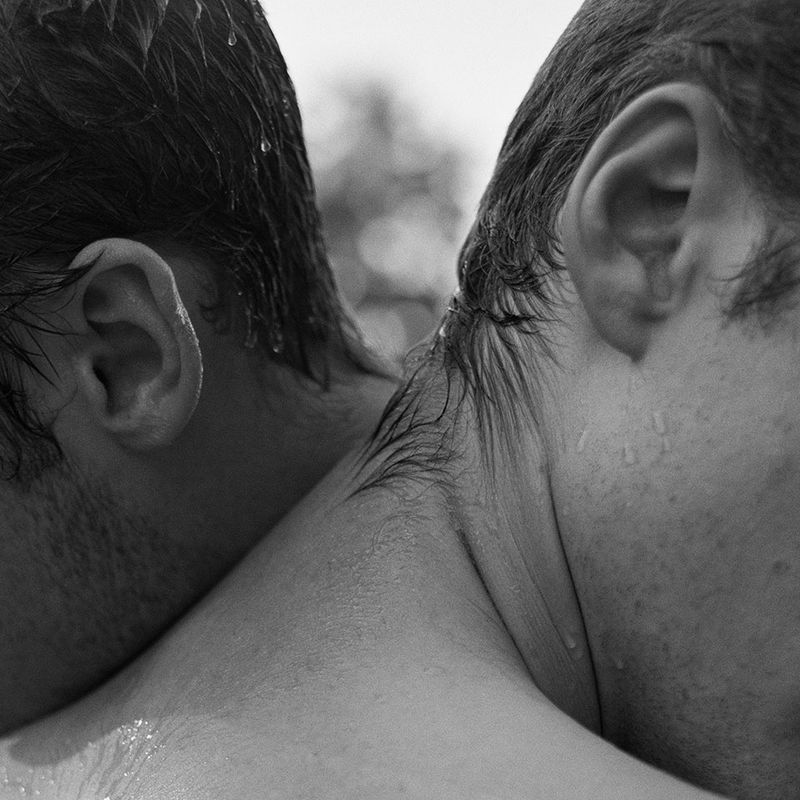
The Serpent's Thread
by Emilia Martin
Selected by MPB – Europe’s top camera reseller and partner of this fifth edition, in collaboration with PhMuseum – the artist is granted a €1000 voucher to spend on used photo and video gear on mpb.com.
Results
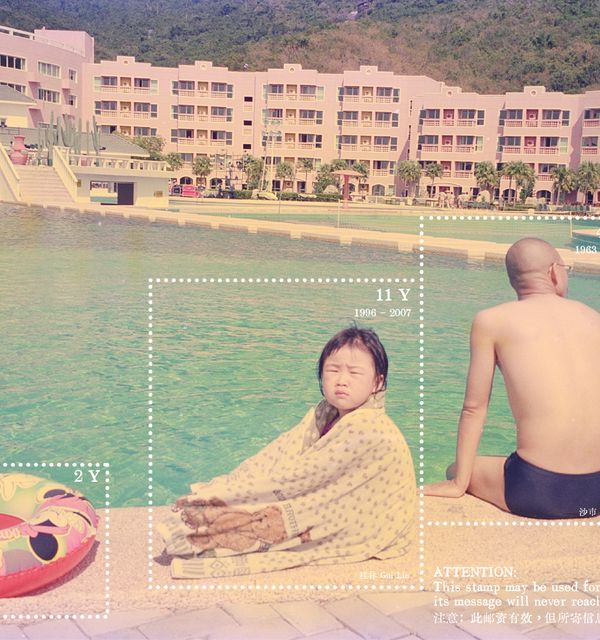
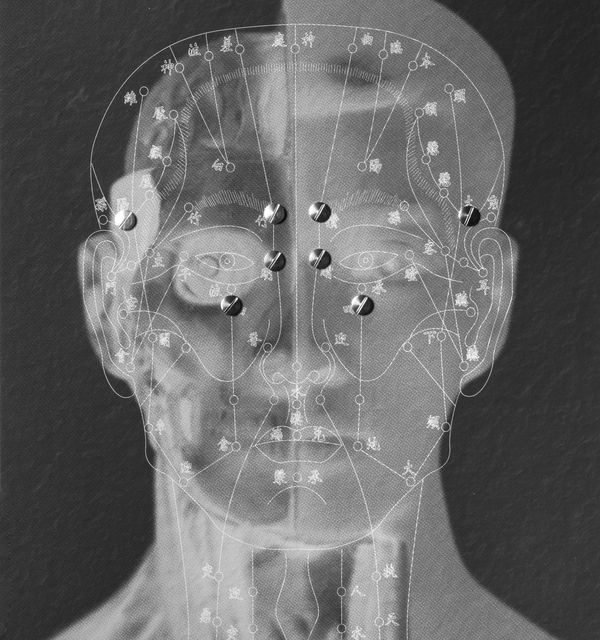
Public Installation at Archiginnasio di Bologna
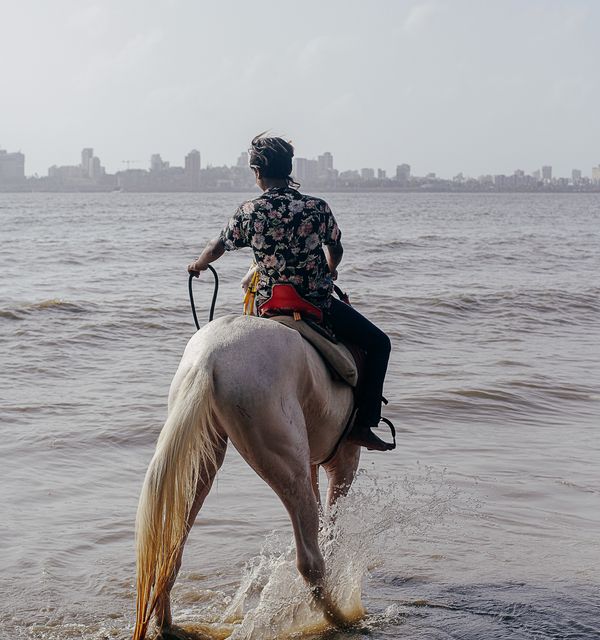
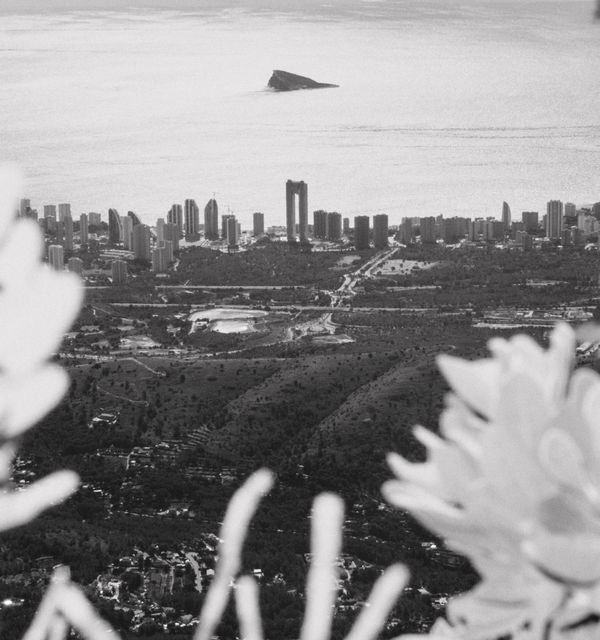
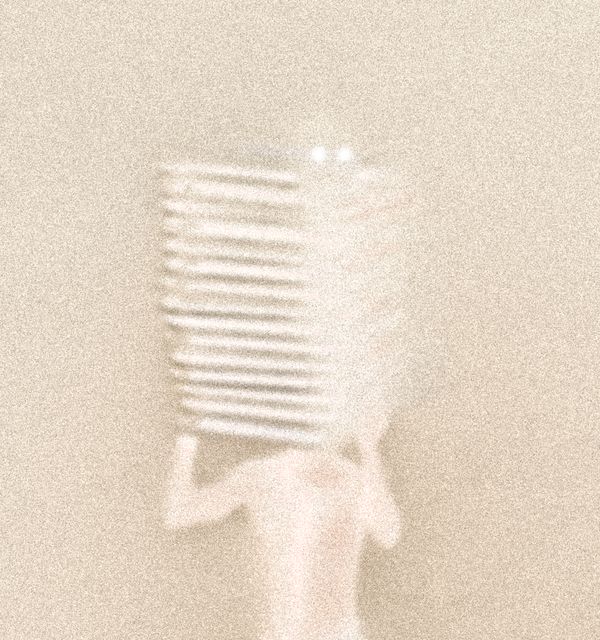
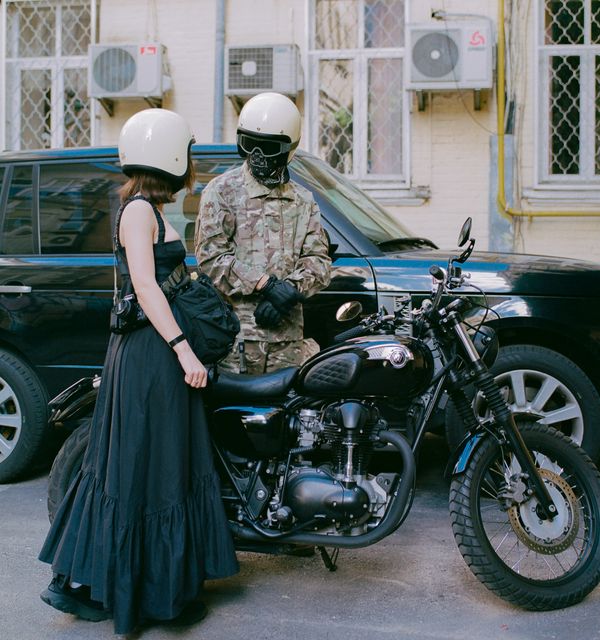
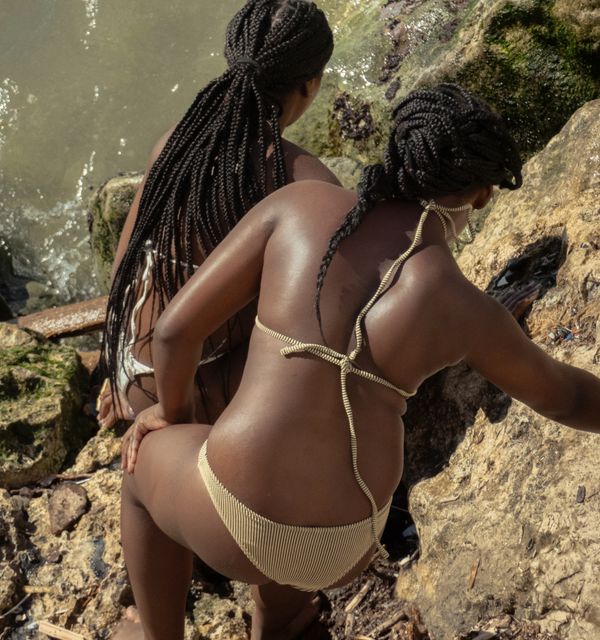
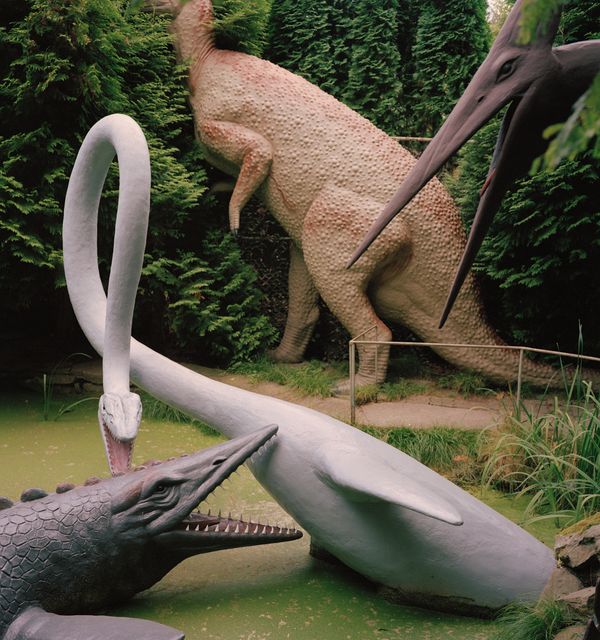
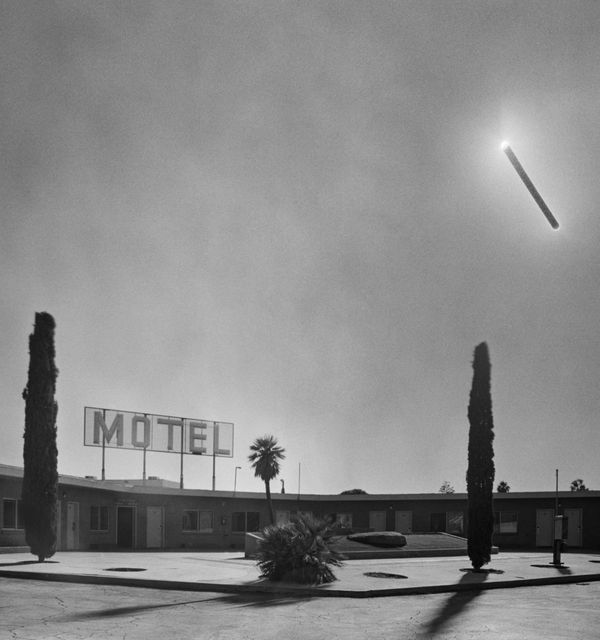
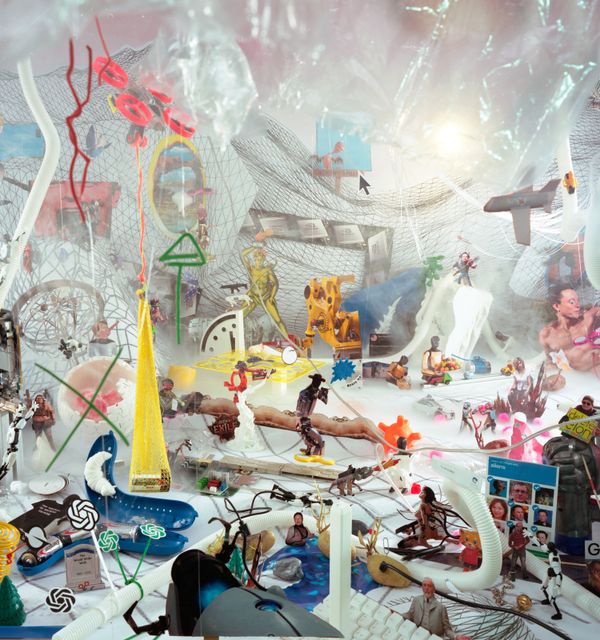
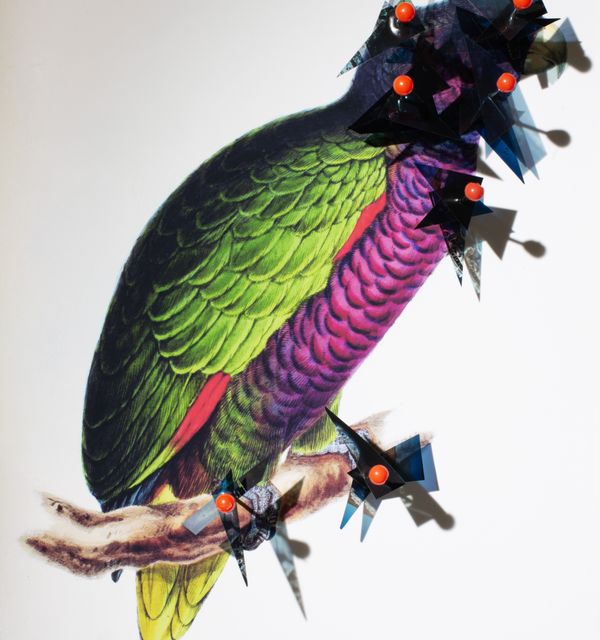
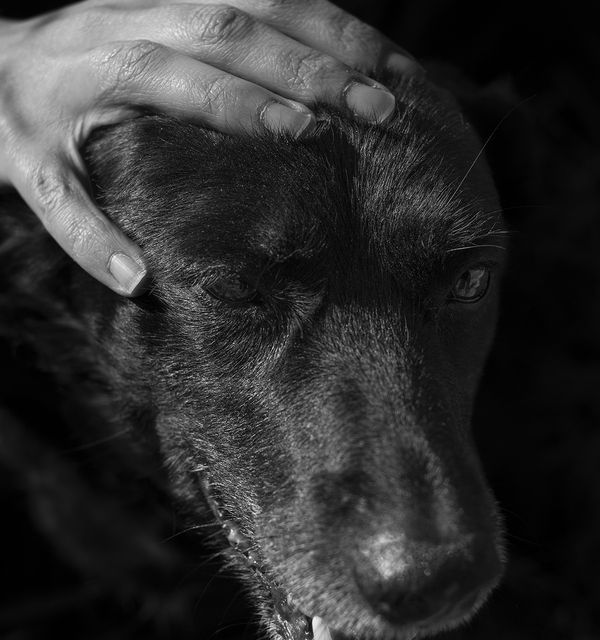
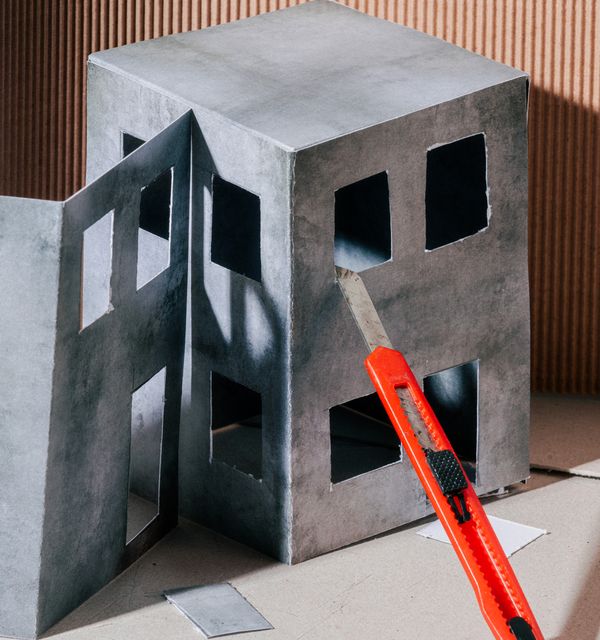
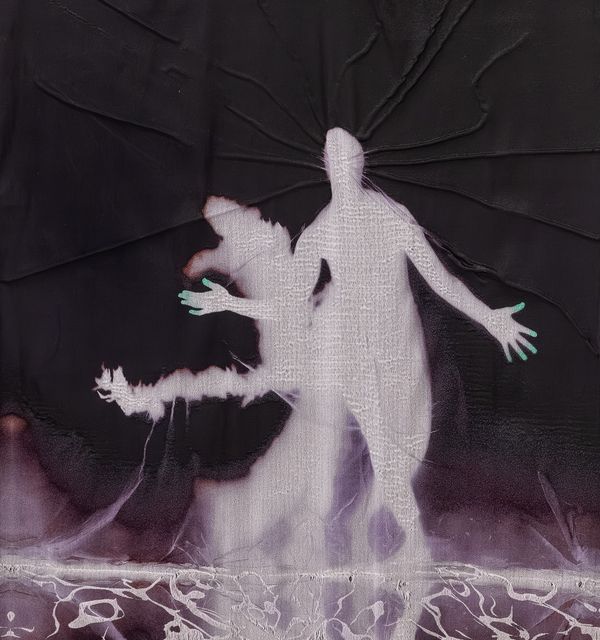
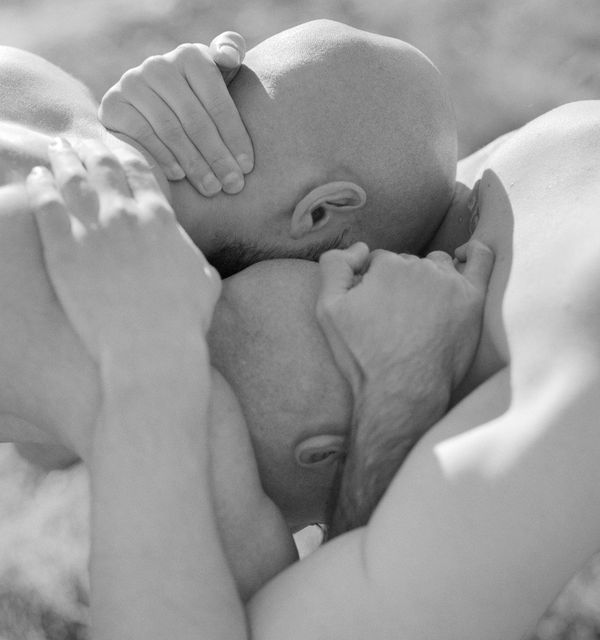
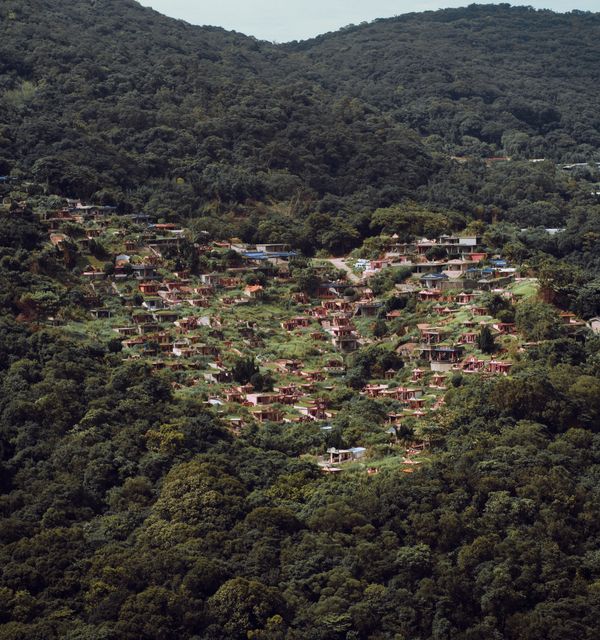
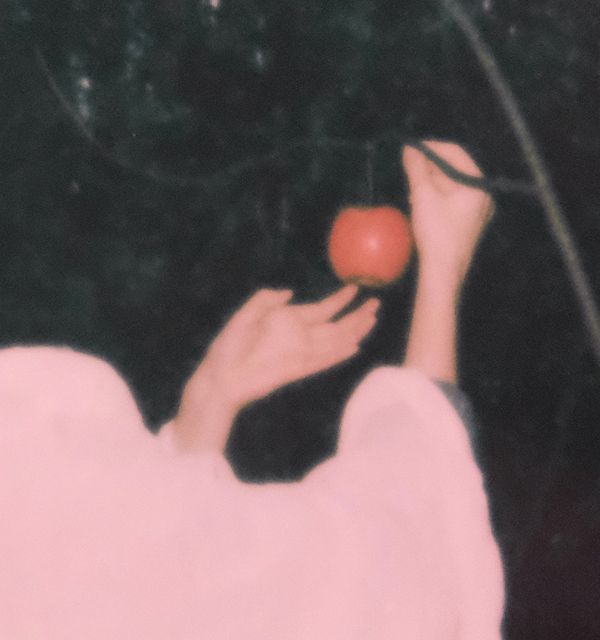
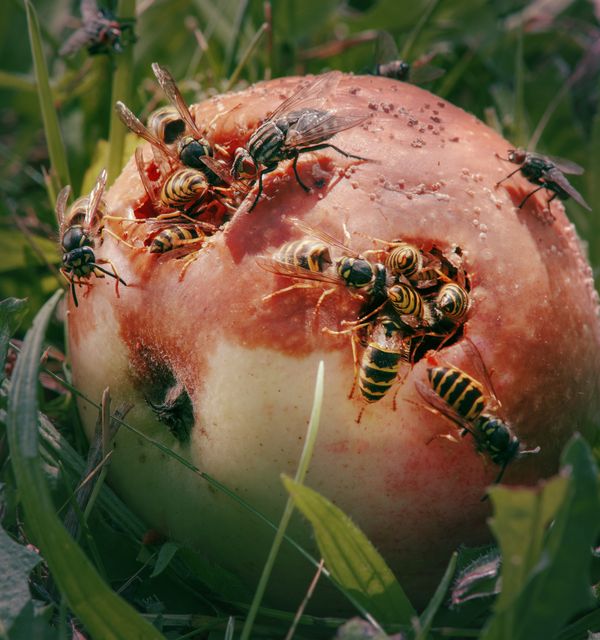
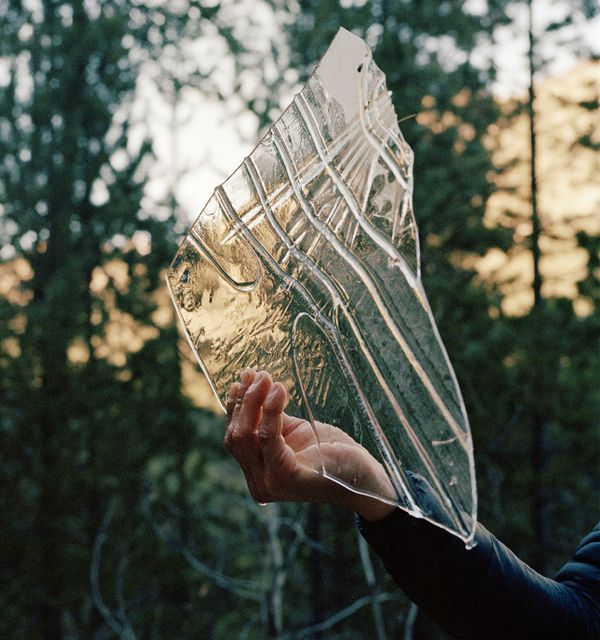
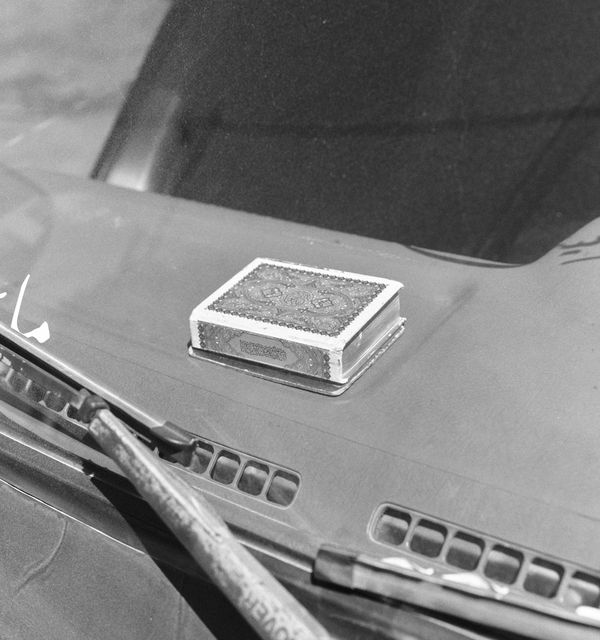
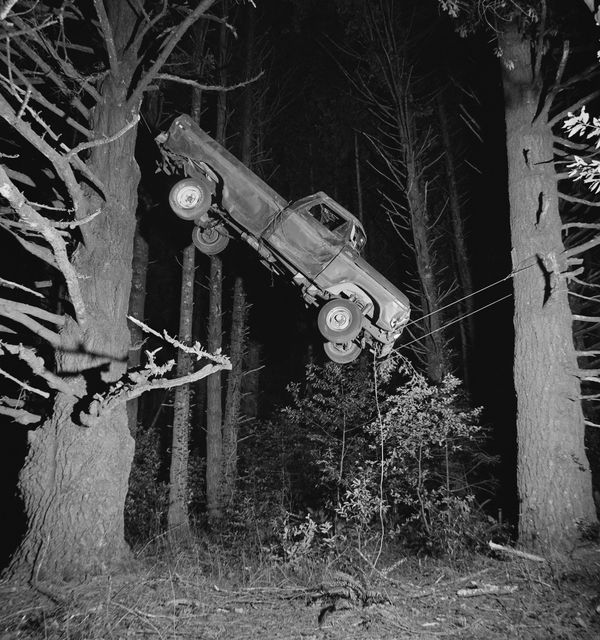
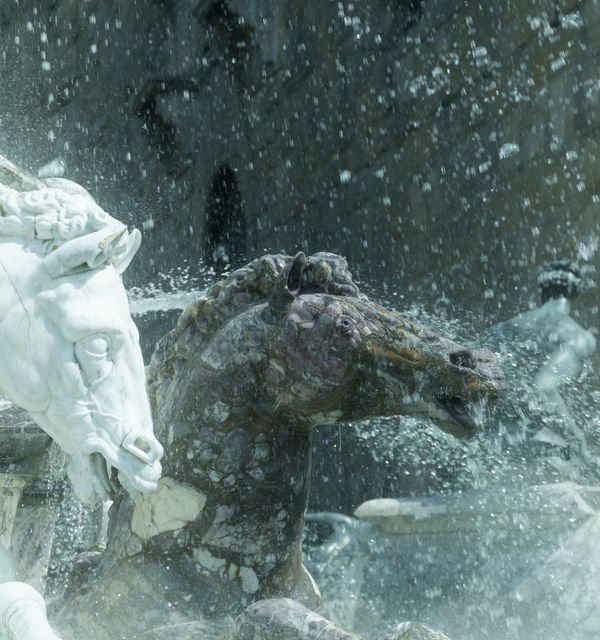
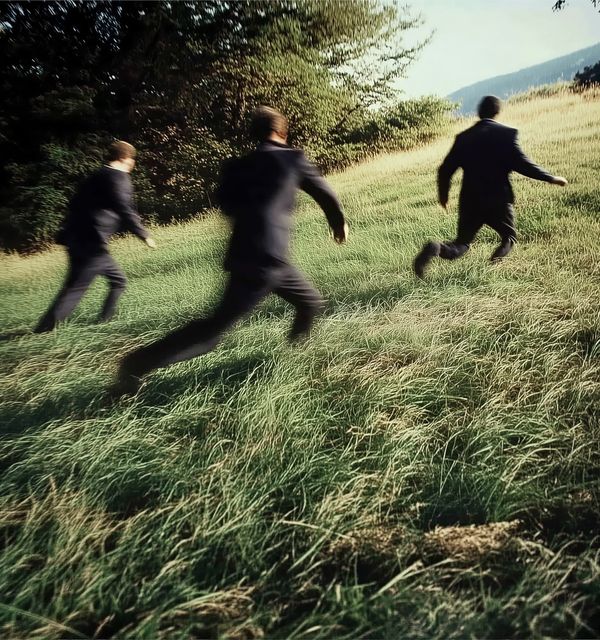
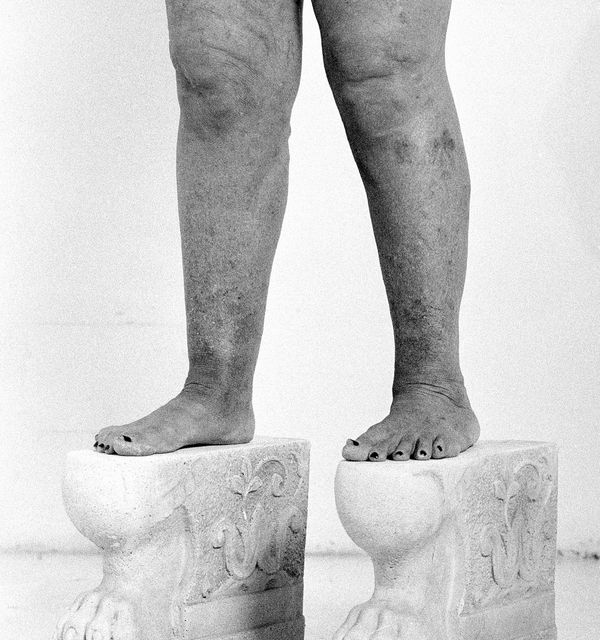
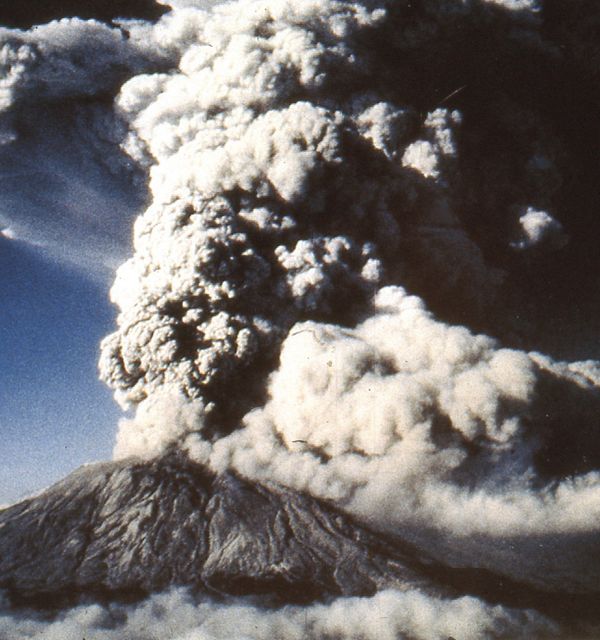
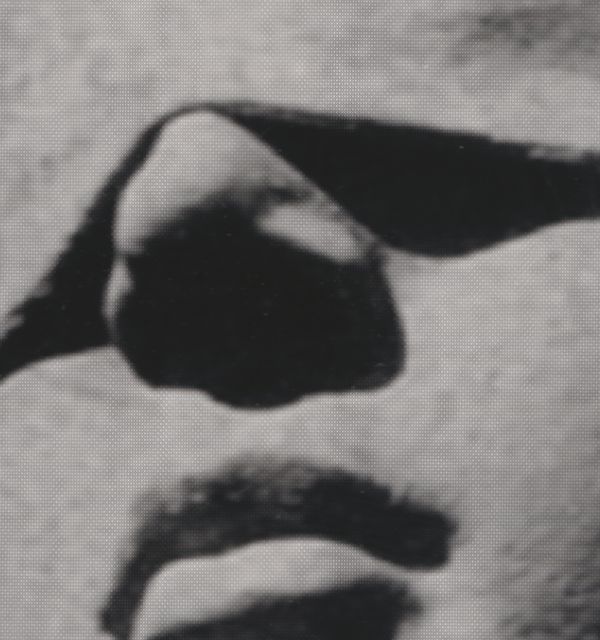
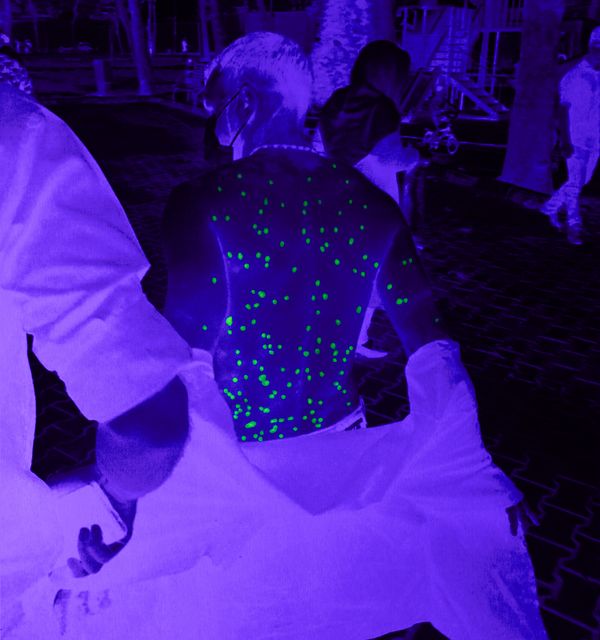
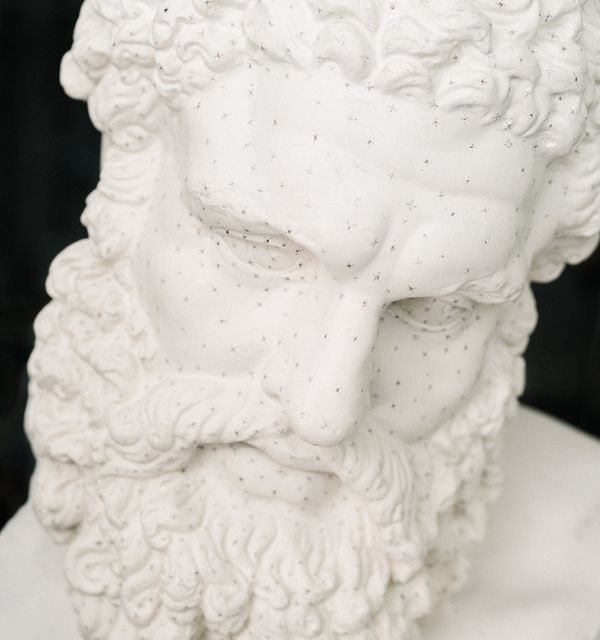
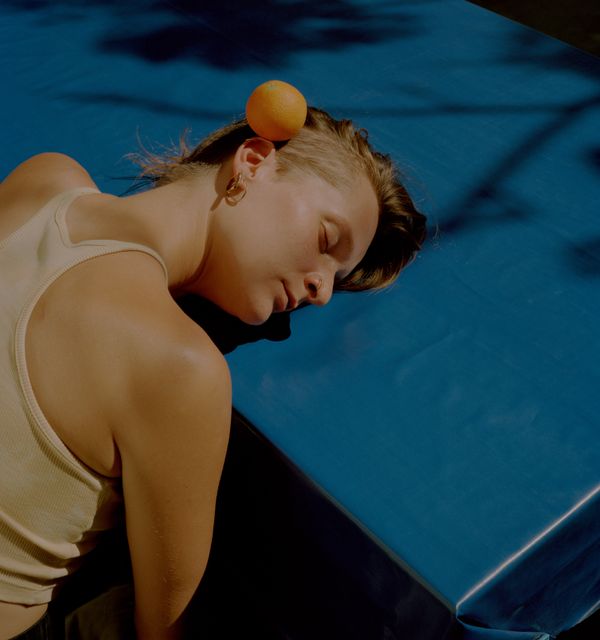
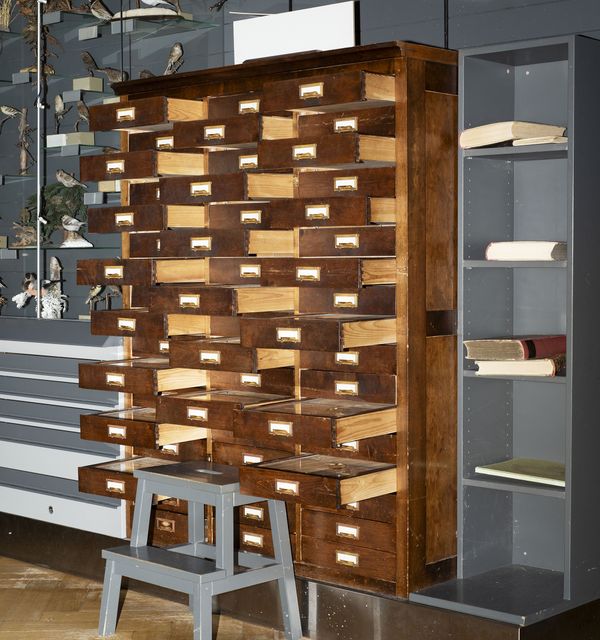
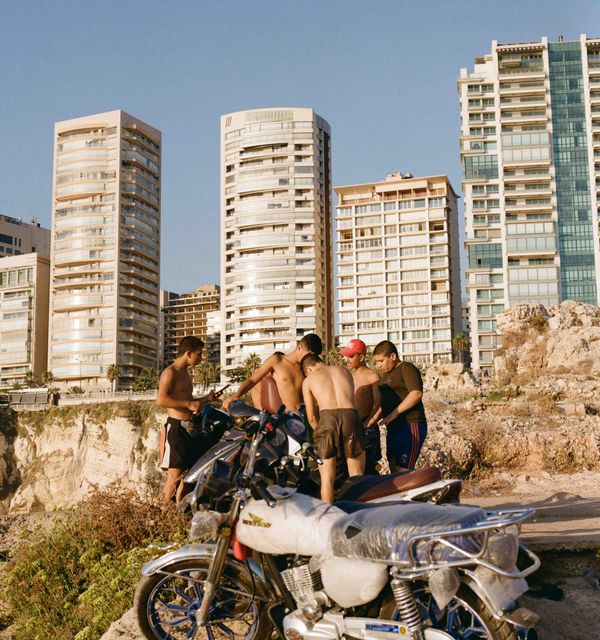
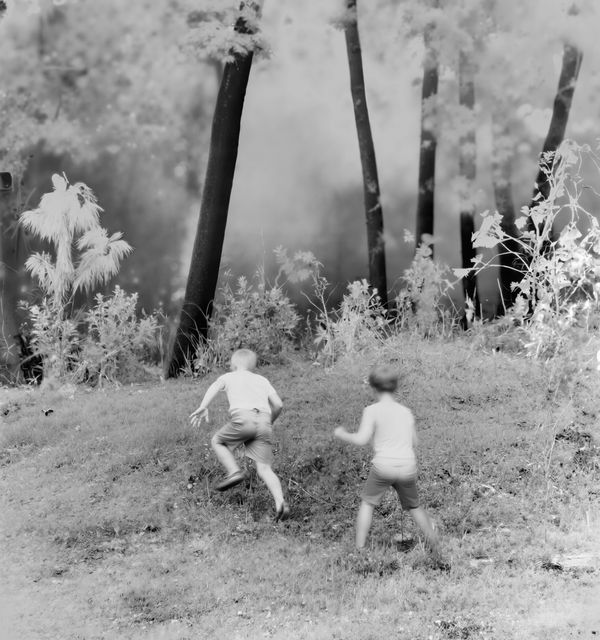
These images will be included in a collective installation at the Archiginnasio of Bologna, as part of the festival's main program.
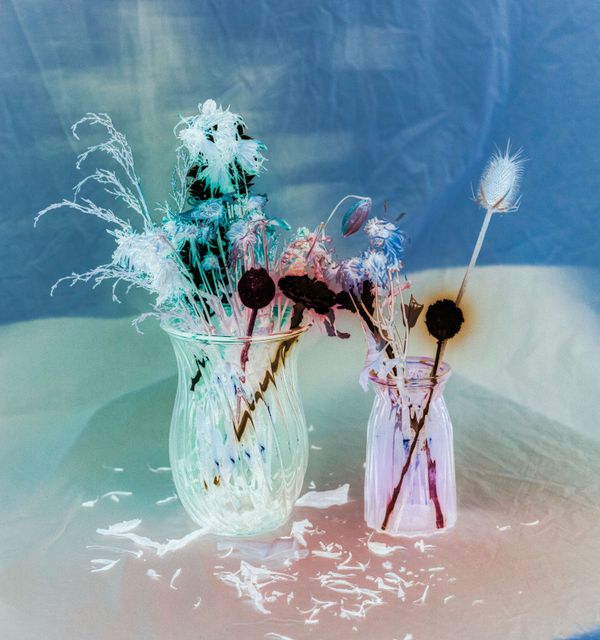
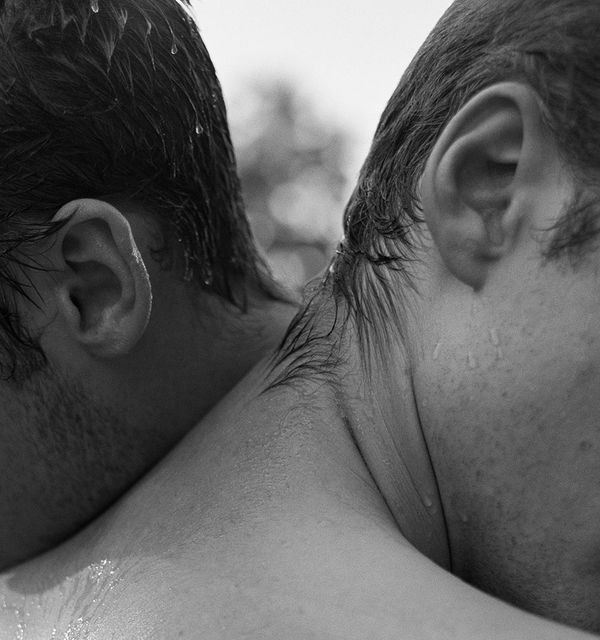
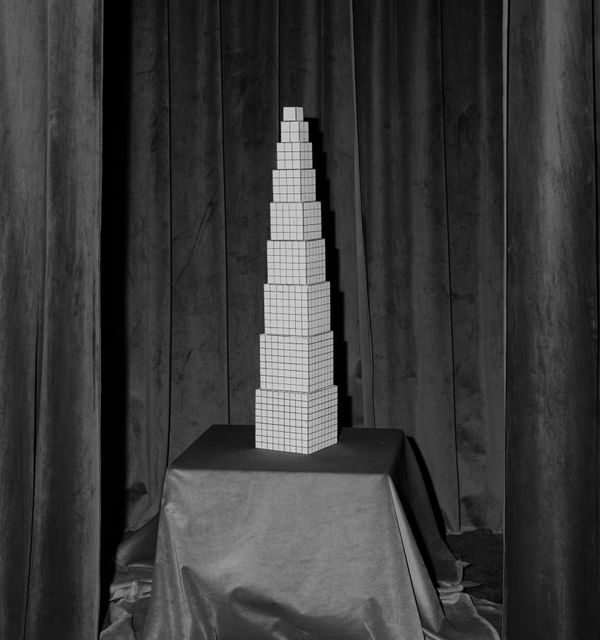
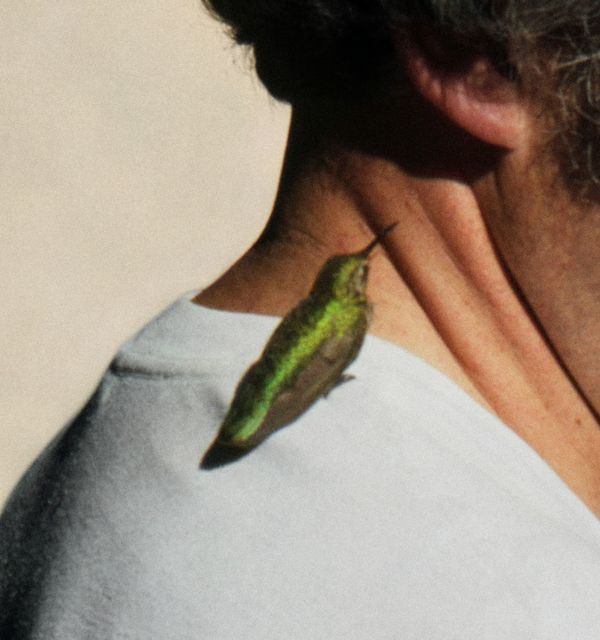
Results
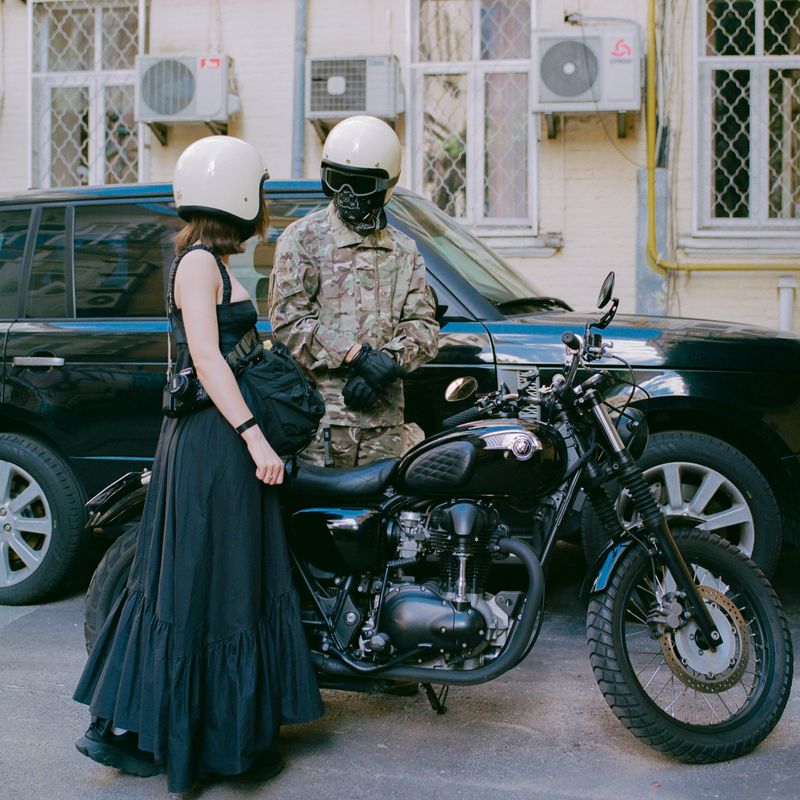
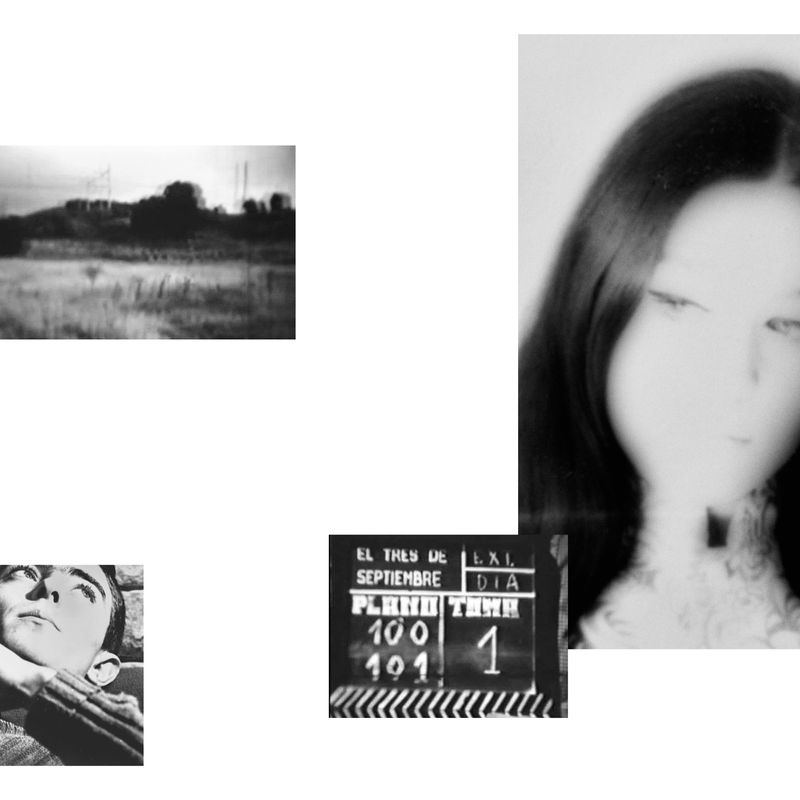
Screenings in the Festival's Main Location
These works will be included in the projection, as part of the festival's main program.
About
PhMuseum Days 2026 Photography Festival Open Call
Exhibit your work in Bologna within the theme: Archipelago
Present your work to exhibit at PhMuseum Days 2026, our International Photography Festival taking place on 1-4 October in Bologna, Italy. For the first time, the festival will happen jointly with Photobook Mania, the 2nd edition of our publishing fair, offering a complete platform to enjoy contemporary photography in person.
In an era of digital fragmentation and closing borders, ARCHIPELAGO is the theme of this 5th edition. It draws inspiration from the 2005 book by Massimo Cacciari with the aim to explore crisis as both an inherent part of our journey and an opportunity to discover new models of coexistence. We are looking for projects that explore or question the cultural islands of our time, offering a space for dialogue capable of integrating the other and opening new mental horizons.
Through this open call, at least 3 artists will be granted a solo show within the Festival’s new main venue, the historical Ex Ospedale dei Bastardini. Another project will be selected for a solo public installation on former municipality billboards. Both opportunities provide full production coverage, a €300 artist fee, and a contribution to travel expenses for the inaugural weekend.
MPB, Europe’s top camera reseller and partner of this fifth edition will identify, in collaboration with PhMuseum, a project for their Special Mention, granting a €1000 voucher to spend on used photo and video gear on mpb.com.
Plus, up to 40 single images will be chosen to take part in a sculptural, collective installation, while up to 20 works will be screened. As an applicant, you can claim a free festival pass.
We look forward to reviewing your applications - together with a jury comprising photographers who exhibited within the last edition - with the hope your work will contribute to explore the space of archipelagic thinking.
Artists exhibited in previous editions include Alejandro Chaskielberg, Andy Sewell, Angelica Dass, Brea Souders, Camilla de Maffei, Carla Liesching, Felicity Hammond, Gloria Oyarzabal, Leonardo Magrelli, Mahalia Taje Giotto, Marcelo Brodsky, Nikita Teryoshin, Pacifico Silano, Silvia Rosi, Taysir Batniji, Thomas Mailaender, Vasantha Yogananthan and more.
Prizes
-
3 Solo Exhibitions in the Festival's Main Location
OpenPhMuseum's Artistic Director Giuseppe Oliverio, counting on the advisorship of 3 exhibiting artists from the festival's last edition, will select at least 3 projects that will be granted an individual exhibition within the festival's main location – the newly re-opened, historical Ex Ospedale dei Bastardini in the center of the city.
Each of the selected photographers will receive a production budget up to €2,500+VAT, plus an artist fee of €300 and a contribution to cover travel expenses and attend the inaugural weekend (€300 if based in Italy, €500 if coming from Europe and €800 from overseas).
-
Public Installation on CHEAP's Billboards
OpenThe jury will select a project to be exhibited on eleven public billboards in Via dell'Abbadia, a street in the historical center of Bologna, joining the legacy of Munirah Almehri, Gloria Oyarzabal, and Mahalia Taje Giotto. Formerly belonging to the municipality of Bologna and now recovered by cultural association CHEAP, the billboards represent an opportunity to take over a street in almost its full length, reach to a broader audience, and experiment with design solutions within a given formal structure. The exhibition allows to bring pressing issues and ideas in the public space, taking an active role within the city's vibrant cultural debate.
The exhibition production costs will be fully covered. The selected photographer will receive an artist fee of €300 and a contribution to cover travel expenses and attend the inaugural weekend (€300 if based in Italy, €500 if coming from Europe and €800 from overseas).
-
Public Installation at Archiginnasio di Bologna
OpenPhMuseum's Artistic Director Giuseppe Oliverio will select up to 40 images for a collective sculptural installation that will challenge the main theme of the festival.
As in the past editions, the chosen images will be printed on semi-transparent tissue averaging 1.60x1.80 cm, and mounted on a scaffolding pipes system giving life to a monumental visual maze. The exhibition will take over the historical courtyard of the Archiginnasio, an iconic former main building of the University of Bologna, attracting thousands of visitors every week. Running from 19 September to 8 October, the installation radically transforms the way the Archiginnasio is perceived and lived, allowing for a sensorial and physical experience of images, and for a suggestive dialogue between history and contemporary visual language.
Both applicants presenting a structured body of work and those applying with a selection of images are eligible for this installation.
-
MPB Special Mention
OpenMPB, Europe’s top camera reseller and partner of this fifth edition will identify, in collaboration with PhMuseum, a project for their Special Mention, granting a €1000 voucher to spend on used photo and video gear on mpb.com.
-
Screenings in the Festival's Main Location
OpenPhMuseum's Artistic Director Giuseppe Oliverio will select up to 20 projects to take part in a collective video projection that will be included in the festival's main program and screened in a dedicated area every day.
Supported by
Independent jury
Latest Grant
PhMuseum 2026 Women Photographers Grant
Open
Extended deadline:
22 October 2026
Prizes:
€10,000 in cash, projections at PhotoVogue Festival, and more.